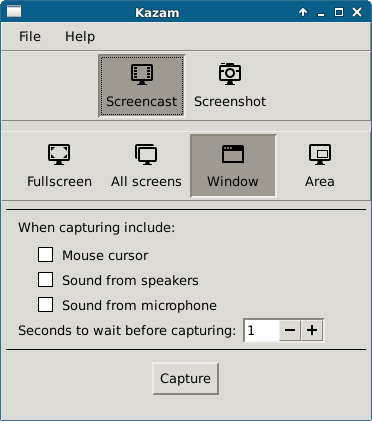
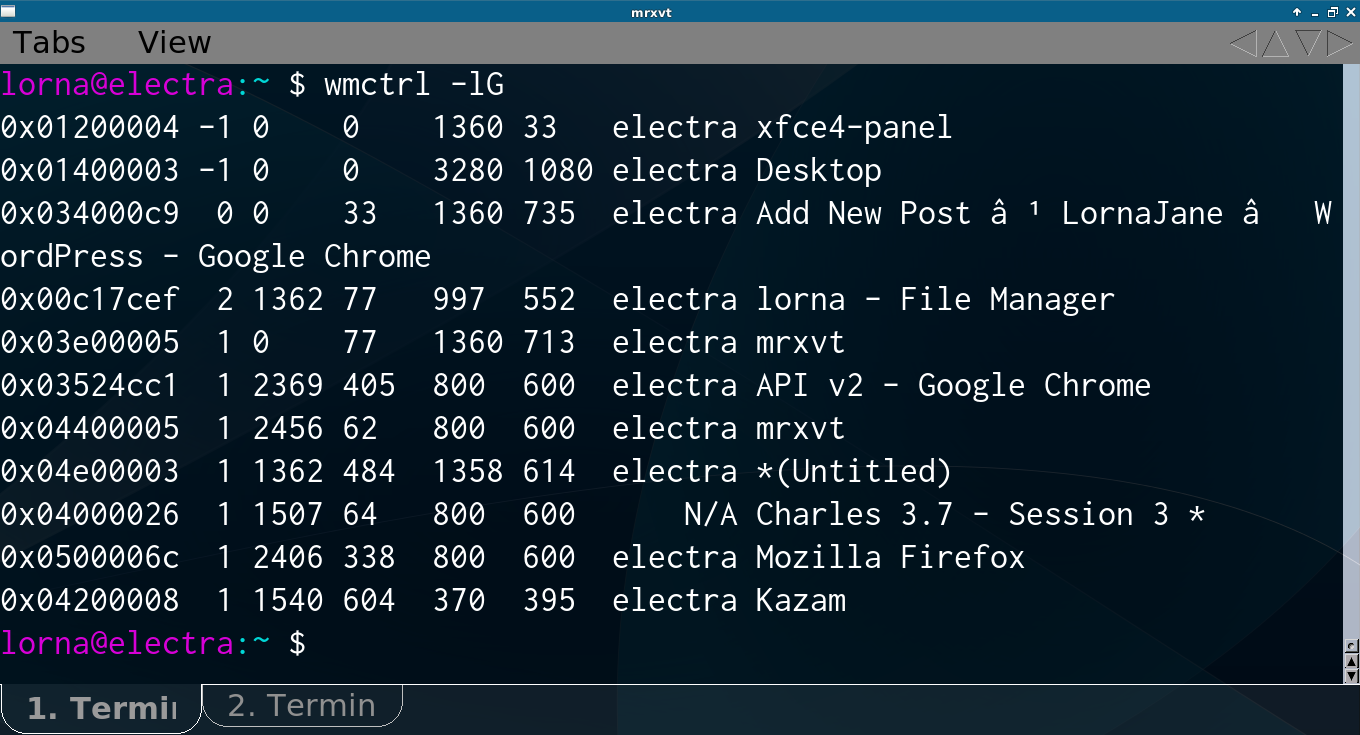
In this series of posts about my screencasting toolchain, I’ve already written about using wmctrl to resize windows accurately and about using Kazam to capture snippets of video from various applications. This post describes my adventures in trying to glue the video snippets together.
Graphical Video Editing
For most people, it probably makes sense to use a graphical video editor, such as KDEnlive, OpenShot or Pitivi. I tried the latter two and found them sufficiently crashy that I was unable to get a video out of them that I could play back. This might be a result of my total lack of knowledge of, and respect for, containers, codecs, and … really whatever else I needed to know and didn’t. I presume the crashiness was me doing something wrong as I know that others do use these tools successfully.
I’m also a commandline sort of person. I have difficulty in using a pointing device for any length of time, and I found that I was able to capture the videos tightly enough that I just needed to glue them together rather than actually edit.
Ffmpeg
Ffmpeg is a commandline linux tool that is the biggest swiss army knife of video tools you have ever seen. There’s just one problem: on ubuntu, the program called ffmpeg is actually an alias for avconv, which is a fork of ffmpeg that is missing some key elements, such as the ability to concatenate videos. The upshot of which is that I downloaded and compiled my own copy of ffmpeg for this project. Once I had that, things got easier :)
I used this guide to get my ffmpeg tool and all the dependencies set up: https://trac.ffmpeg.org/wiki/UbuntuCompilationGuide
Ffprobe
Ffprobe is a tool that looks at a video file and gives information about it. One thing that I found about combining videos is that matching resolutions and encodings are really important – sometimes you can create what looks like a valid output file, only to have it unable to play in some players. To use it:
ffprobe video.mp4
I found this very useful, so I thought I’d add a note about it here. I tested my videos in VLC, it seems a bit less tolerant than the standard gnome player, so it was a good way to check if the videos would play. There’s also a simpler version of VLC that shows fewer controls: cvlc (I found it handy).
Combining Videos with Ffmpeg
Once I had the genuine version of ffmpeg compiled, I used that to combine my videos. First of all, I created an input file which contained a list of videos. Here’s an example of my
input.txt
file:
file 'wireshark1.mp4'
file 'wireshark2.mp4'
file 'wireshark3.mp4'
file 'wireshark4.mp4'
file 'wireshark5.mp4'
file 'wireshark6.mp4'
file 'wireshark7.mp4'
(can you guess what this was a video of?)
Then I used the following command to use this input file and create a resulting video of these videos played one after another:
./ffmpeg -f concat -i input.txt -c copy wireshark-demo.mp4
This can look successful and still produce a bit of a strange video if all your video files aren’t precisely the same resolution and format, but I was able to get results pretty quickly once I knew I had to get those things right in recording. The time spent planning the videos paid back several times over, as it was easy to just recapture one piece of the sequence if the need arose.
Ffmpeg is a beast, powerful but superbly complex, and it was tough going to find the commands I needed even without the “wrong” fork of the project being the default with ubuntu! Hopefully this post will remind me next time what to do, and if it helps you too, then awesome :) Feel free to leave additional tips and tricks in the comments.